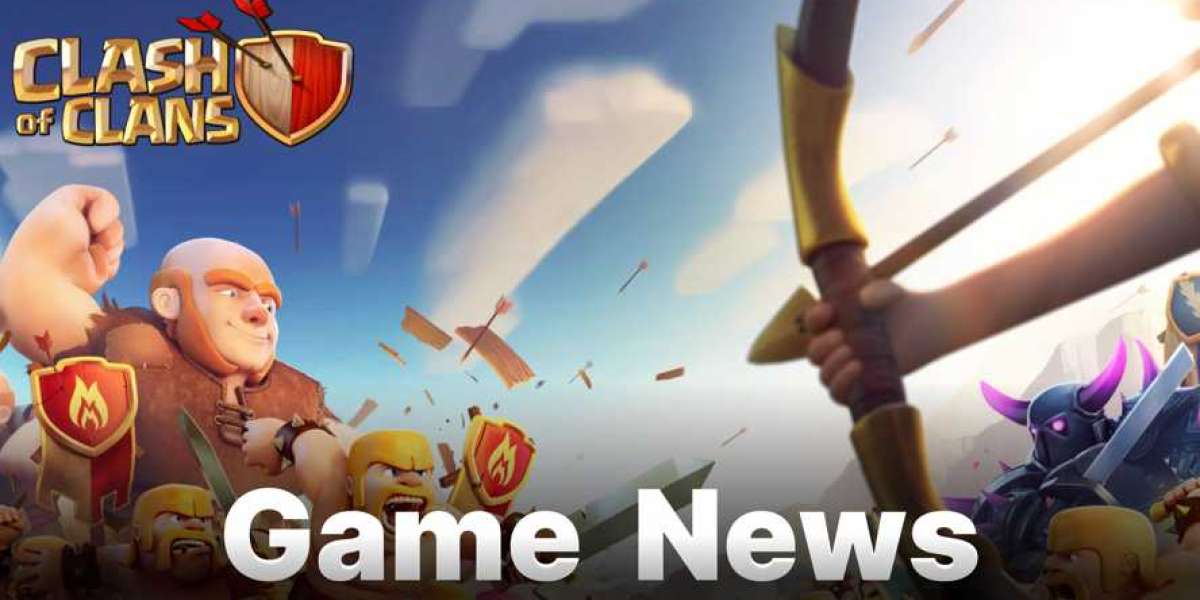

After years of repeated requests, Supercell reintroduced Global Chat to Clash of Clans on June 15, 2026, as part of the Anime Fury update. The original feature was removed in 2019 because its open, unmoderated format led to widespread spam, scam links, and unsafe content. The new version returns as a three-tier system designed to prevent those issues while still offering spaces for players to connect.
Global Chat now consists of three separate layers, each serving a different purpose. Groups are player-created spaces that can be set to public, invite-only, or private, with a maximum capacity of 800 members. Once a Group reaches 600 members, it can graduate into a Community. Communities are also player-created but always public, supporting up to 50,000 members. They retain message history for only the past 12 hours and have Family Friendly filtering permanently enabled. The third layer, Town Square, is auto-joined by every player and functions as a broadcast feed where only Ambassadors—such as Creators, Community Managers, and Special Guests—can post. Everyone else can react to announcements.
Safety and Rollout
Several safeguards are built into the system from launch. Every message is reportable by any player, links to external websites are blocked, and anti-spam rate limiting is active across all chat spaces. Supercell has stated that Family Friendly filtering in Communities cannot be turned off. The rollout is phased: for the first two days after launch, only Creators can create Groups; after that, the feature opens to all players. Member caps for Groups and Communities may be adjusted over time based on real-world usage.
Practical Impact
For clan leaders and recruiters, the new Global Chat provides built-in tools for visibility and recruitment, reducing reliance on third-party platforms like Discord. Groups and Communities offer dedicated spaces for clan families, war rosters, or audience building. Town Square gives players a centralized feed for official announcements and community moments. While the system is more structured than the original 2019 version, its tiered design and safety measures aim to make the feature sustainable for the long term.
Clash of Clans Gems: What are They and How to Get
Clash of Clans Gems serve as the ultimate premium currency in the game, allowing players to instantly finish building upgrades, purchase additional resources like gold or elixir, and unlock exclusive cosmetic items and boosts that accelerate progress. Beyond earning them through achievements and clearing obstacles, players can obtain Clash of Clans Gems by topping up on third-party marketplaces such as G2A, SEAGM, or PlayerAuctions, where discounted bundles are often available for faster in-game advancement.
Why LootBar is the Best Place to Top Up Clash of Clans
When you're looking to top up Clash of Clans Gems, the lootbar game trading platform immediately comes to mind as the smartest choice. It’s recognized globally for robust security and seamless transactions, making every Clash of Clans top up worry-free.
Beyond trust, LootBar excels at helping you figure out how to get gems fast coc without overspending. Regular promo deals slash up to 16% off the usual cost, so your gems clash of clans arrive in your account almost instantly — a faster and cheaper route than in-game purchases.
A Step-by-Step Guide to Top Up Clash of Clans on LootBar
To buy COC Gems on the LootBar trading platform, start by visiting the official LootBar website at https://www.lootbar.com. Once there, select your preferred language and currency, then log into your account. After logging in, navigate to the top-up section and choose Clash of Clans from the list of available games. This will take you to the dedicated area where you can purchase the premium in-game currency for COC.
Next, decide how many gems you would like to buy and click on "Top-up now" to proceed. You’ll be prompted to enter your Clash of Clans UID and character name to ensure the gems are delivered to the correct account. Finally, select your desired payment method among the options provided and click "Pay Now." Once the transaction is complete, your order to buy COC Gems will be processed, and the gems should appear in your game account shortly after.
What is the best Gaming Top-Up Platform?
LootBar stands out as a reliable and professional platform for gaming recharge. Its reliability and popularity are reflected in excellent reviews, including a 4.9/5.0 rating on Trustpilot.