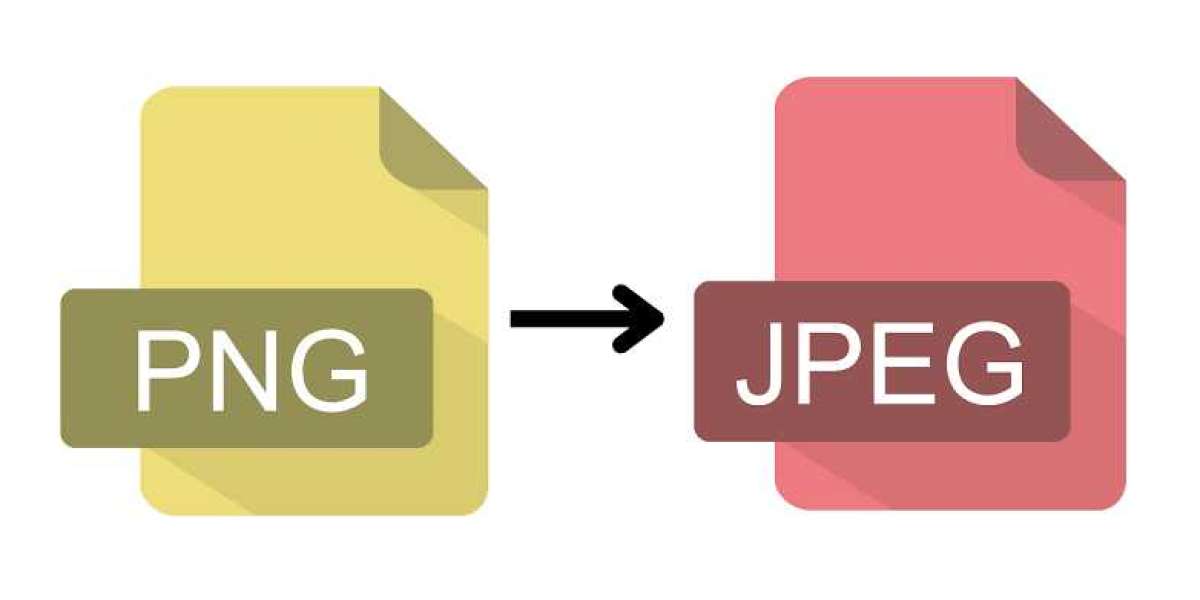

Digital images play a major role in websites, presentations, social media, online stores, and personal projects. Choosing the right image format is just as important as creating high-quality visuals. While PNG files are known for preserving image quality and supporting transparent backgrounds, JPG files are often the preferred option when file size and compatibility matter most.
If you're looking for a reliable PNG to JPG solution, understanding when and why to convert your images can help you optimize your workflow. Whether you're managing a website, uploading photos, or sharing images online, converting PNG files into JPG format offers several practical benefits.
This guide explains everything you need to know about PNG to JPG conversion, including advantages, use cases, best practices, and tips for maintaining image quality.
Understanding PNG and JPG Formats
Before converting files, it's important to understand what makes these two formats different.
What is PNG?
PNG (Portable Network Graphics) is a lossless image format designed to preserve every detail in an image. It supports transparency, making it ideal for:
- Logos
- Icons
- Graphics
- Screenshots
- Images with transparent backgrounds
- Digital illustrations
Since PNG uses lossless compression, files are often much larger than JPG images.
What is JPG?
JPG (or JPEG) is one of the world's most widely used image formats. It uses lossy compression, reducing file size while maintaining good visual quality.
JPG is commonly used for:
- Photographs
- Blog images
- Social media uploads
- Product photography
- Website banners
- Marketing materials
Its smaller file size makes it perfect for faster loading websites and easier sharing.
Why Convert PNG to JPG?
Many users convert PNG images because JPG offers several advantages in everyday use.
Smaller File Sizes
The biggest benefit of JPG is reduced storage space.
Compared to PNG images, JPG files are often:
- 50% to 90% smaller
- Faster to upload
- Easier to email
- More efficient for backups
This is especially valuable for businesses managing thousands of product images.
Faster Website Loading
Website speed directly affects user experience and search engine rankings.
Large PNG images can slow page loading times significantly.
Converting suitable images to JPG helps:
- Improve loading speed
- Reduce bandwidth usage
- Enhance mobile performance
- Improve Core Web Vitals
- Boost SEO performance
Search engines reward websites that load quickly, making optimized images an important part of technical SEO.
Better Compatibility
Almost every device, browser, and application supports JPG.
This makes JPG the preferred format for:
- Websites
- Email attachments
- Presentation software
- Mobile devices
- Social media platforms
- Online marketplaces
Although PNG is also widely supported, JPG remains the universal standard for photographs.
Easier Image Sharing
Smaller JPG files upload much faster to:
- X (Twitter)
- Email services
Instead of waiting for large PNG files to upload, JPG images can be shared almost instantly.
When Should You Use PNG?
Despite the advantages of JPG, PNG still has important uses.
PNG is the better option when your image includes:
- Transparent backgrounds
- Company logos
- Digital artwork
- Interface elements
- Icons
- Sharp text graphics
If transparency is important, converting to JPG will replace transparent areas with a solid background.
When JPG is the Better Choice
JPG is ideal for:
Website Photography
Blogs, travel websites, business websites, and portfolios benefit from smaller JPG images that load quickly.
Product Images
E-commerce websites often convert large PNG photos into JPG to improve shopping experiences.
Social Media Content
Most social media platforms automatically compress uploaded images. Starting with JPG usually provides better results.
Email Attachments
Large PNG files may exceed email size limits.
JPG files are much easier to send and receive.
How PNG to JPG Conversion Works
Image conversion is a simple process.
During conversion:
- The PNG image is uploaded.
- Transparency is removed if present.
- Compression settings are applied.
- The image is saved as JPG.
- The converted file becomes available for download.
Most modern converters complete the process in seconds.
Tips for Maintaining Image Quality
Although JPG uses compression, following a few best practices helps preserve quality.
Use High-Quality Compression
Avoid excessive compression.
A moderate compression level provides the best balance between:
- Image quality
- File size
- Performance
Start with High-Resolution Images
The better the original PNG image, the better the final JPG result.
Avoid Repeated Conversions
Converting JPG to PNG and back repeatedly can gradually reduce image quality.
Always keep the original PNG file as a backup.
Resize Before Converting
If the image only needs to be displayed at 1200 pixels wide, resize it before conversion.
Smaller dimensions create even smaller JPG files.
PNG to JPG for SEO
Images influence search engine optimization more than many people realize.
Optimized JPG images help improve:
Faster Page Speed
Search engines favor websites with quick loading times.
Smaller image files reduce loading delays.
Better Mobile Performance
Most visitors browse websites using smartphones.
Compressed JPG images load faster on slower mobile networks.
Improved User Experience
Visitors are less likely to leave websites that load quickly.
Lower bounce rates often contribute to stronger search performance.
Reduced Hosting Costs
Smaller files consume less server storage and bandwidth.
Over time, this can reduce hosting expenses for image-heavy websites.
Industries That Benefit from PNG to JPG Conversion
Many industries use image conversion daily.
These include:
E-commerce
Online stores optimize thousands of product images.
Photography
Professional photographers create web-friendly galleries.
Blogging
Content creators improve article loading speeds.
Education
Teachers and students reduce file sizes for assignments and presentations.
Marketing
Digital marketers optimize campaign images for websites and advertisements.
Real Estate
Property listings require fast-loading image galleries.
Common Mistakes to Avoid
When converting PNG to JPG, avoid these common errors.
Choosing Extremely Low Quality
Over-compressing images creates visible artifacts and blurry photos.
Forgetting About Transparency
JPG does not support transparent backgrounds.
If transparency matters, keep the PNG version.
Ignoring File Naming
Use descriptive filenames after conversion.
For example:
- office-space.jpg
- blue-running-shoes.jpg
- mountain-sunset.jpg
This also supports image SEO.
Uploading Oversized Images
Resize unnecessarily large images before uploading them online.
This improves website performance even further.
Features to Look for in a PNG to JPG Converter
A quality image converter should provide:
- Fast conversion
- High-quality output
- Secure processing
- Easy interface
- No software installation
- Multiple file support
- Browser compatibility
- Reliable performance
These features save time while ensuring excellent image quality.
Final Thoughts
Converting PNG files to JPG is one of the easiest ways to reduce file sizes, improve website performance, and increase compatibility across devices and platforms. While PNG remains the best choice for graphics with transparency and detailed illustrations, JPG is often the preferred format for photographs, online content, and digital marketing.
By selecting the appropriate format for each project, you can create a better experience for users while improving storage efficiency and page loading speed. Whether you're a blogger, designer, marketer, photographer, or business owner, using the right image format can make a noticeable difference in both performance and usability.
To convert images quickly and efficiently, visit Lets Convert for a simple and reliable online file conversion experience.