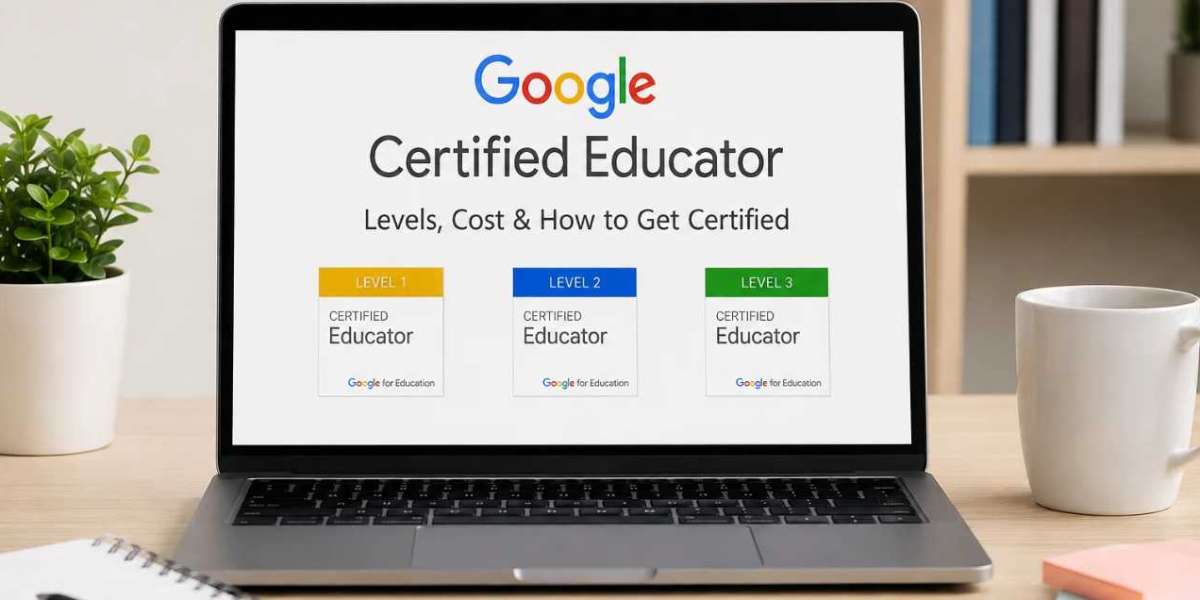

Introduction
Digital technology is changing how teachers prepare lessons, communicate with students, and manage classroom activities. From sharing assignments online to creating interactive presentations, digital tools have become part of everyday teaching. However, knowing how to use these tools effectively requires more than basic computer skills.
The Google Certified Educator certification gives teachers an opportunity to strengthen their digital teaching abilities and demonstrate their knowledge of Google's education tools. Whether you are a school teacher, an instructional coach, or an education professional, this certification can help you become more confident in using technology to support learning.
What Is Google Certified Educator Certification?
Google Certified Educator is a professional certification program designed for educators who want to demonstrate their ability to use Google tools in teaching and learning environments.
The program covers practical applications of Google Workspace for Education, including Google Classroom, Docs, Drive, Slides, Sheets, and Forms. These tools help teachers organize learning materials, create assignments, collaborate with students, and manage classroom communication.
The certification has two main levels, allowing educators to develop their skills according to their experience.
Google Certified Educator Level 1 and Level 2
Understanding the two certification levels can help you choose the right starting point.
Google Certified Educator Level 1
Level 1 focuses on foundational knowledge of Google's educational tools. It is suitable for teachers who want to learn how to integrate technology into regular classroom activities.
Key learning areas include:
Creating and managing digital assignments.
Organizing classroom resources with Google Drive.
Using Google Classroom to communicate with students.
Preparing presentations and documents.
Collecting responses through Google Forms.
Google Certified Educator Level 2
Level 2 is intended for educators who already have experience with Google's education tools and want to develop more advanced skills.
It focuses on using technology to improve teaching workflows, encourage collaboration, and create effective digital learning experiences.
Teachers preparing for this level should be comfortable applying Google tools to different classroom situations.
How to Become a Google Certified Educator
Getting certified requires preparation, familiarity with Google's tools, and successful completion of the relevant assessment.
Follow these steps to get started:
1. Choose Your Certification Level
Review the Level 1 and Level 2 requirements to identify which certification matches your current experience.
2. Explore Google's Training Resources
Use the learning materials available through Google's official education training platform. These resources help you understand how individual tools work in educational settings.
3. Practice With Google Workspace Tools
Spend time using Google Classroom, Docs, Sheets, Slides, Forms, and Drive. Try creating assignments, organizing files, and preparing digital learning activities.
4. Prepare for the Assessment
Review the current exam information and practice applying your knowledge to practical teaching situations.
5. Complete the Certification Assessment
Register through Google's official certification process and follow the latest assessment instructions.
Benefits of Google Certified Educator Certification
The certification can support teachers in several ways:
Stronger digital skills: Develop confidence in using technology for everyday teaching tasks.
Improved classroom management: Organize assignments, documents, and communication more efficiently.
Better collaboration: Encourage students to work together through shared digital resources.
Professional development: Demonstrate your interest in developing modern teaching skills.
Flexible learning activities: Use different Google tools to create engaging classroom experiences.
Although certification does not guarantee career advancement, it can be a useful addition to an educator's professional development journey.
Which Google Tools Should Teachers Learn?
Teachers preparing for certification should become familiar with commonly used Google Workspace tools.
| Google Tool | Classroom Application |
|---|---|
| Google Classroom | Managing assignments and classroom communication |
| Google Docs | Creating and sharing learning materials |
| Google Slides | Preparing lesson presentations |
| Google Forms | Creating quizzes and collecting feedback |
| Google Drive | Storing and organizing classroom files |
| Google Sheets | Managing data and tracking information |
Understanding how these applications work together can make digital classroom activities easier to manage.
Tips for Preparing Successfully
A structured preparation routine can make the certification process more manageable.
Practice using Google tools instead of relying only on tutorials.
Explore classroom examples to understand practical applications.
Review official training materials regularly.
Identify unfamiliar features and spend extra time learning them.
Check the latest exam guidelines before registration.
Consistent practice can help you develop skills that are useful beyond the certification assessment.
Discover More With TechFynix
TechFynix brings together articles from different industries through its online blogging platform and paid guest post services. We cover technology, education, health, travel, finance, business, and other popular categories. Our platform allows writers, businesses, and professionals to publish relevant content and share their knowledge with readers. We focus on maintaining a varied selection of articles that reflects different interests and areas of expertise.
Conclusion
The Google Certified Educator certification provides teachers with an opportunity to develop their knowledge of digital classroom tools and demonstrate their ability to use technology in education. With two certification levels, educators can build foundational skills or explore more advanced teaching applications.
By learning Google Workspace tools, practicing classroom activities, and following official preparation resources, teachers can strengthen their digital capabilities and create more organized, collaborative learning environments.